




AI For Dentists: 40-Minute Practical Intensive - Immediate and lifetime access
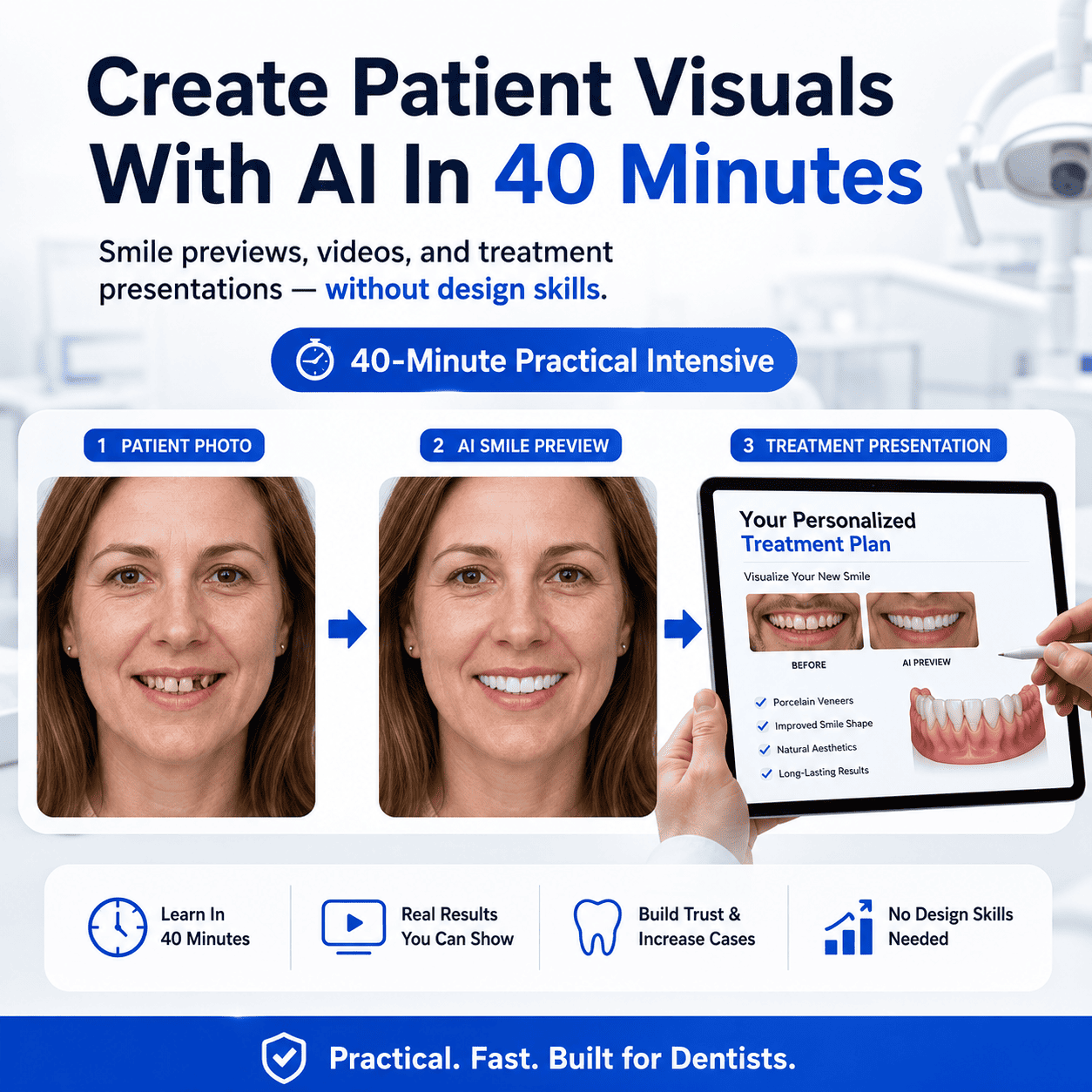
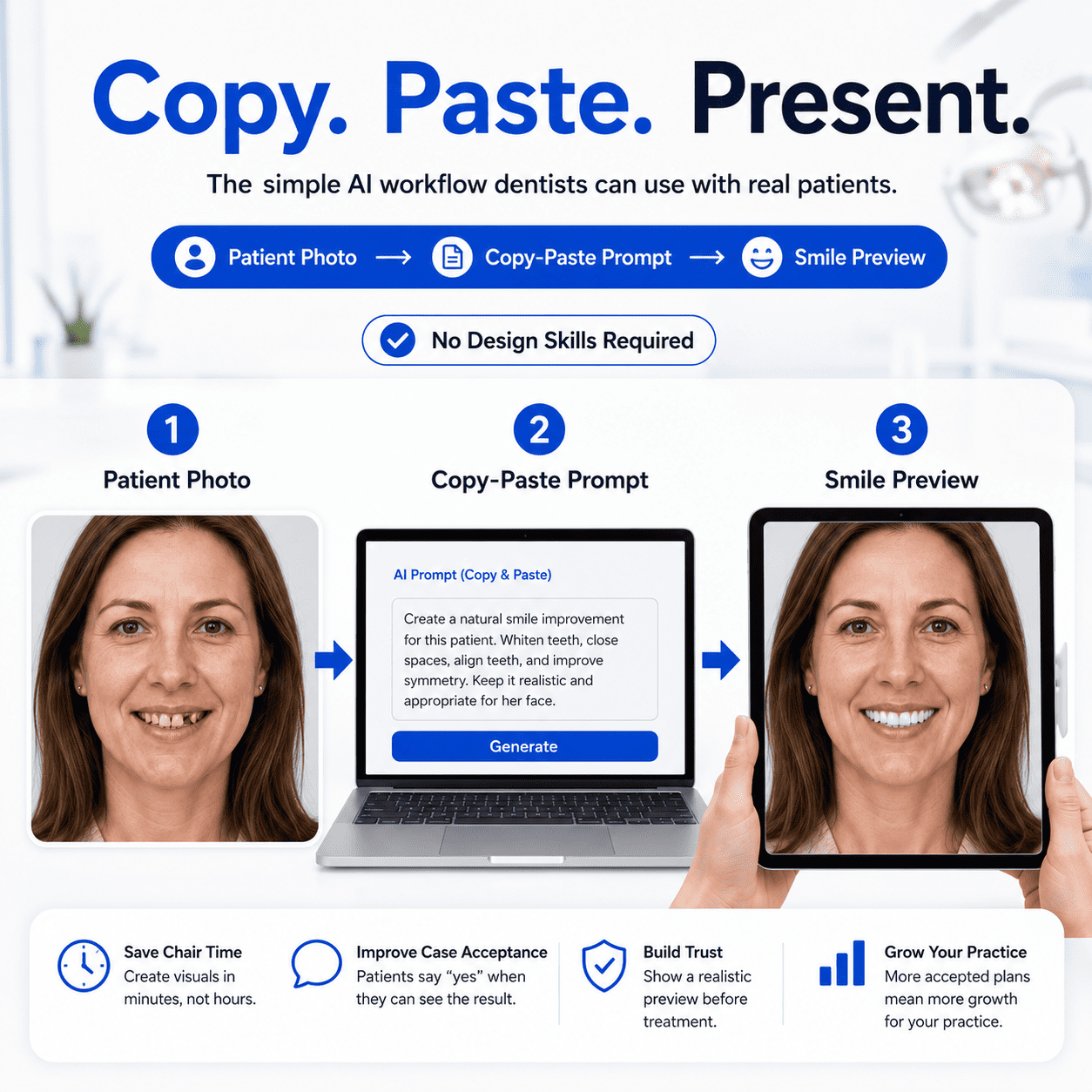
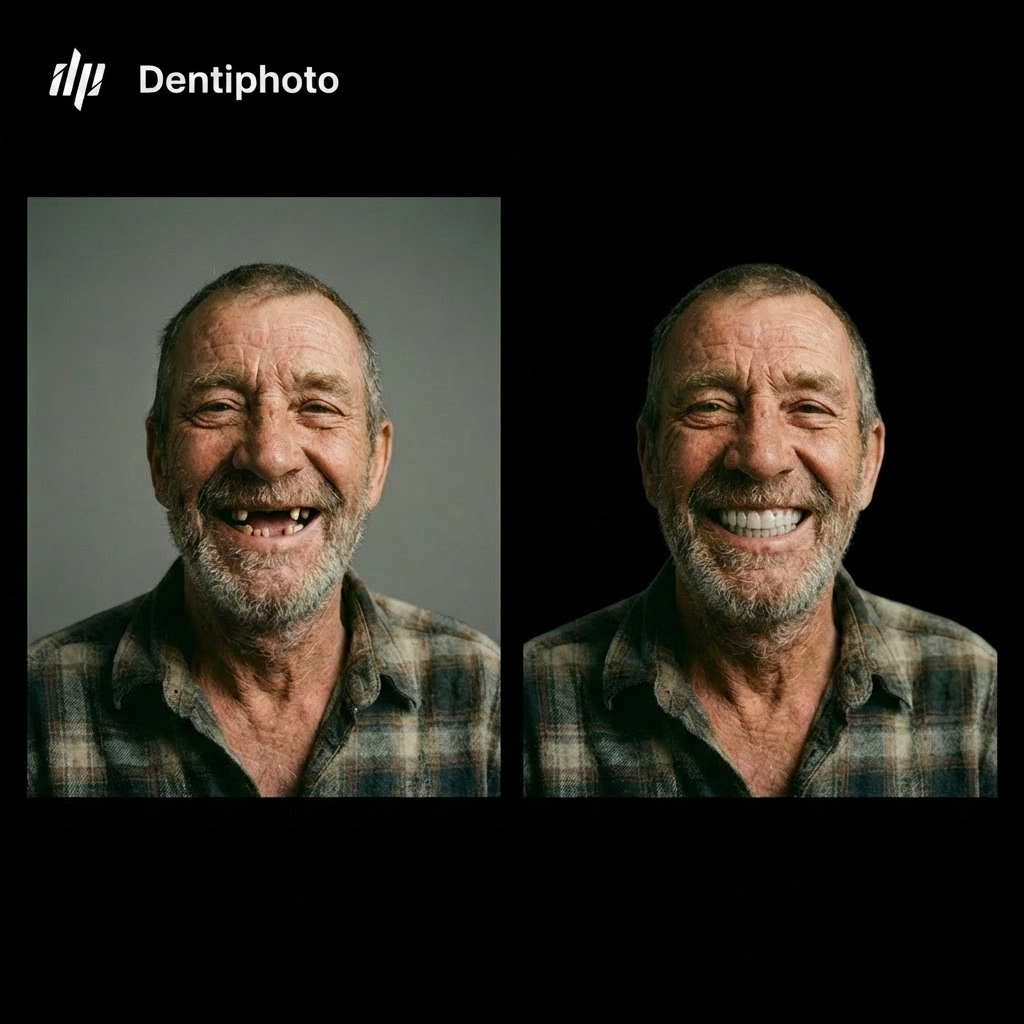
A practical intensive for dentists, orthodontists and implantologists: turn everyday patient photos into realistic smile previews, treatment mockups, before/after videos and patient-ready presentations — using simple copy-paste AI workflows. Your patients finally see the outcome instead of trying to imagine it. No design skills. No complicated software.
- Instant access — login details in your inbox right after checkout
- Unlimited lifetime access + every future update included free
- 4 practical modules: Portrait → Intraoral → Video → Presentation
- Copy-paste prompts — no design skills, no learning curve
- Use the results the same day: in consultations, on your website, in social content
- Patients don’t buy what they can’t picture — instead of explaining the outcome for 10 minutes, show it
Inside The Intensive
One-time payment · No subscription · Instant access
🔒 Secure checkout · 30-day money-back guarantee — love it or get a full refund
"I honestly thought AI would be complicated — I'm not a tech person at all. I made my first smile preview in the Portrait module, showed it to a patient, and she said yes to whitening + aligners the same visit."
"I really thought AI was a complicated story. 40 minutes in, I understood exactly what to use and how. It saves me hours, my consultations are more effective — and honestly, patients are happy. I'm so glad I finally get it."
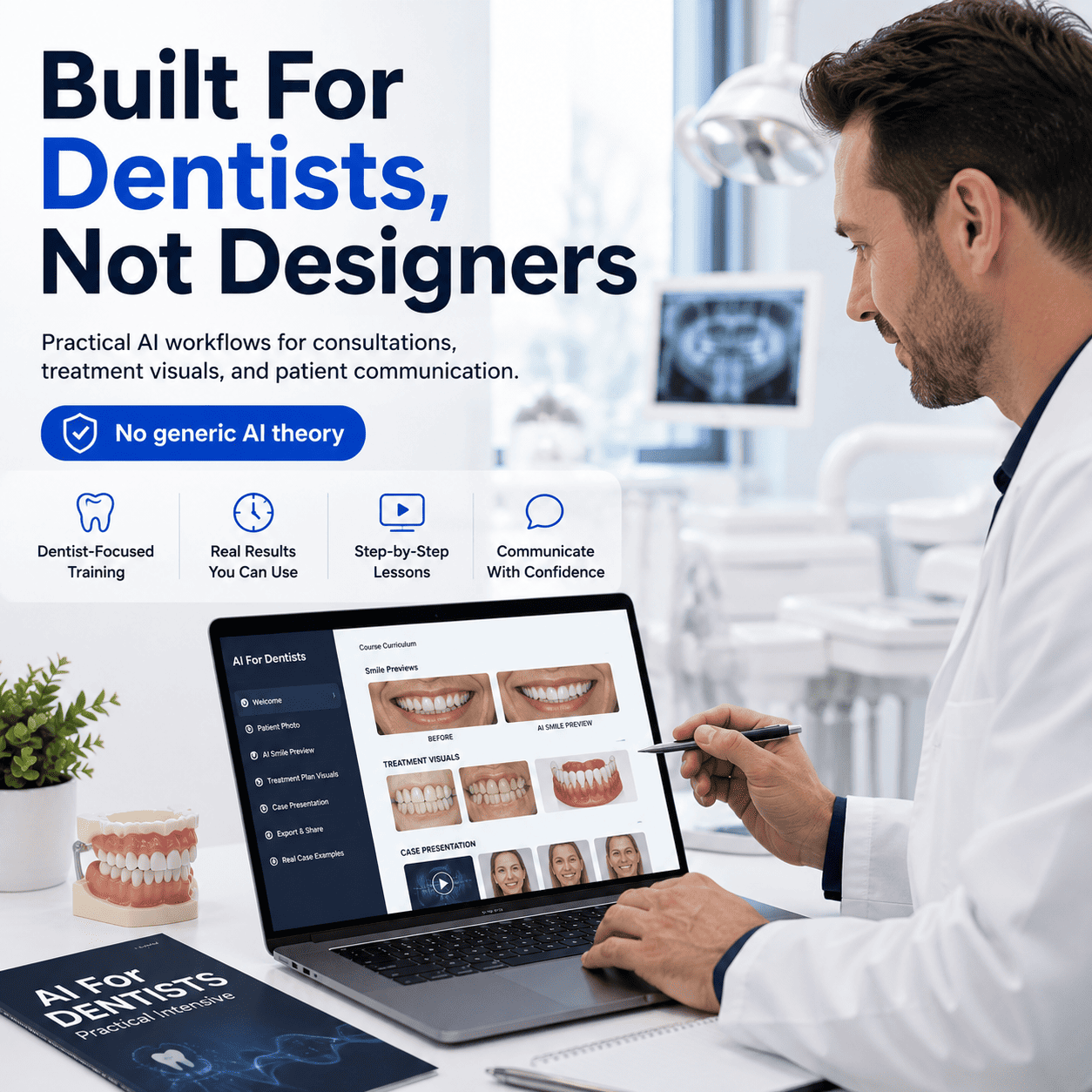
Most dentists don’t need a long AI course. They need one clear workflow they can use with patients.
This 40-minute intensive shows you how to use simple copy-paste AI prompts to create smile previews, treatment visuals, before/after videos, and patient-friendly presentations.
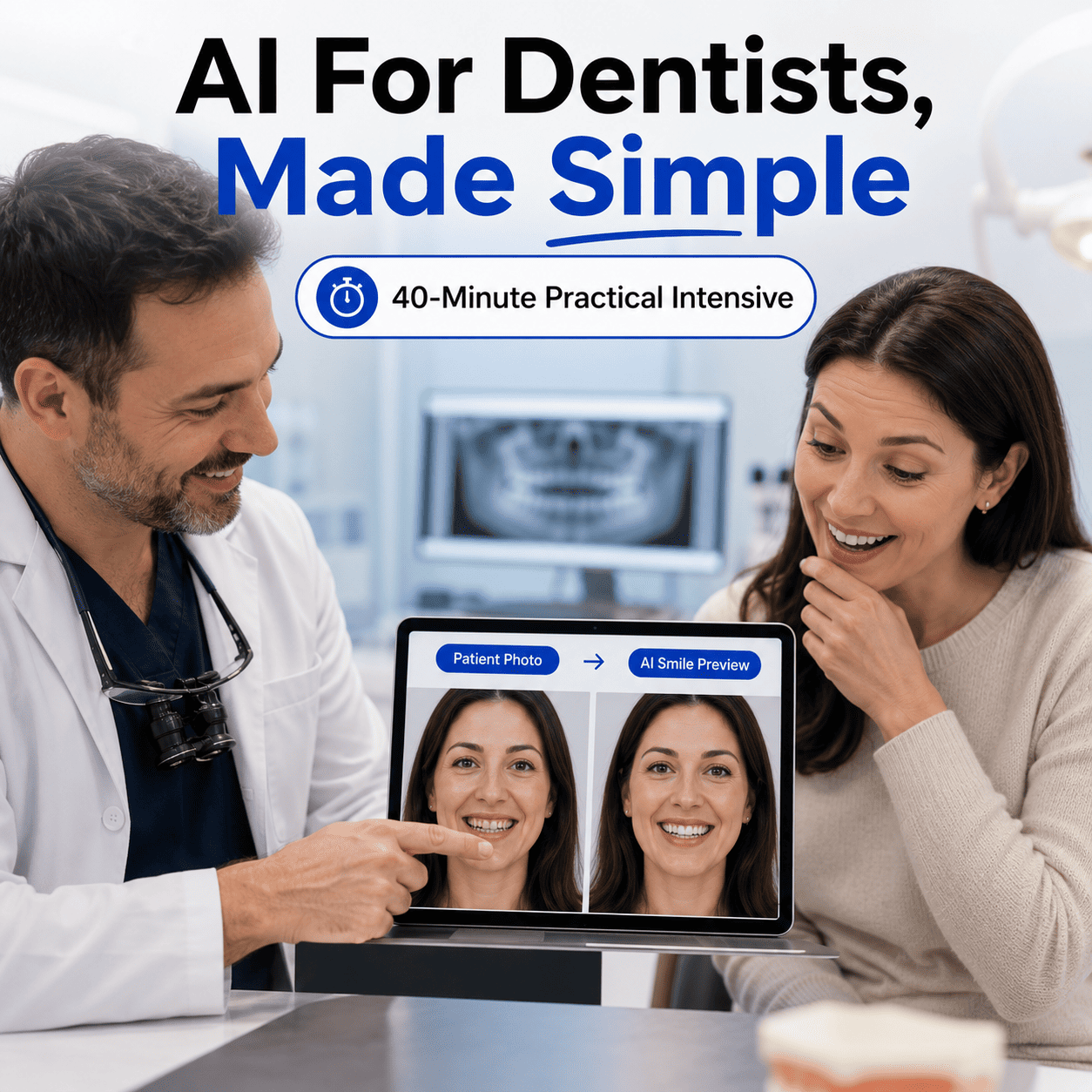
You’ll learn practical workflows built for real dental consultations, so patients can see the outcome instead of trying to imagine it.
No design skills. No complicated software. No weeks of learning.
1. Smile Preview Workflow
Turn a patient portrait into a realistic AI smile preview for cosmetic, whitening, orthodontic, and smile design cases.
2. Treatment Visual Workflow
Create simple visuals that help patients understand hygiene outcomes, implants, prosthetics, and restorative treatment plans.
3. Before/After Video Workflow
Make animated before/after visuals and morphing videos for consultations, Instagram, TikTok, and your website.
4. Presentation Workflow
Build patient-friendly treatment presentations with procedure descriptions, aftercare instructions, and FAQs in minutes.
Inside The Intensive
- 4 practical modules
- Copy-paste AI prompts for dental visuals
- Smile preview workflow
- Treatment visualization workflow
- Before/after video workflow
- Patient presentation workflow
- Real examples you can model
- Lifetime access to the course
- Instant access after purchase
Patients Don’t Buy What They Can’t Picture
Clinical photos, X-rays, and long explanations do not always create understanding.
This intensive helps you turn patient photos into clear visual results, so consultations become easier, faster, and more engaging.
Instead of explaining the outcome for 10 minutes, you can show it.
Built For Dentists Who Want To Start Using AI Without The Overwhelm
This is for:
- Cosmetic dentists
- General dentists
- Orthodontists
- Implantologists
- Practice owners
- Dental teams creating consultation and social content.
Especially if you’ve thought:
“AI looks useful, but I don’t know where to start.”


